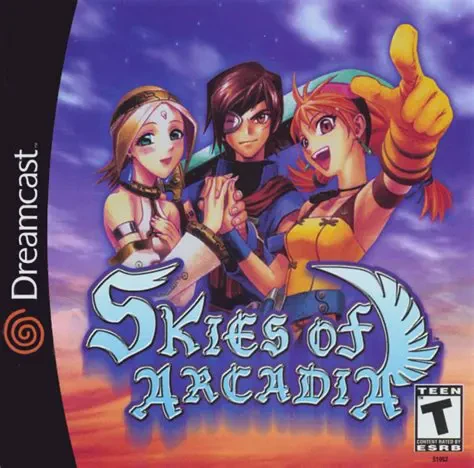
Skies of Arcadia
Skies of Arcadia is a critically acclaimed turn-based Jap...

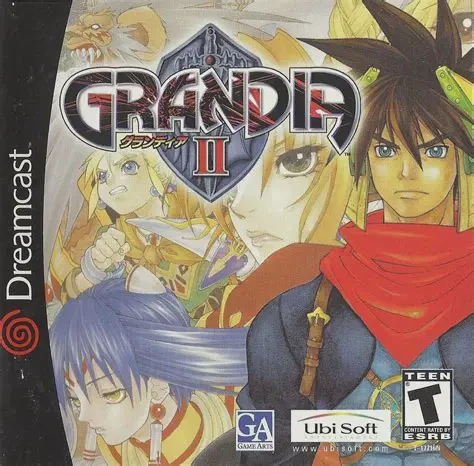
Grandia II is a critically acclaimed JRPG developed by Game Arts and published by Sega for the Dreamcast in 2000. Building upon the beloved mechanics of its predecessor, the game delivers a darker, more mature storyline paired with one of the most dynamic battle systems in role-playing history.
The narrative takes place thousands of years after the Battle of Darkness, a legendary war between the light god Granas and the dark god Valmar. Ryudo, a hardened mercenary accompanied by his talking bird companion Skye, accepts a routine guard mission for Elena, a gentle priestess. When the ritual goes horribly wrong, Valmar's sealed power awakens, entangling Ryudo in a globe-spanning adventure alongside a diverse cast of companions, including the enigmatic Millenia.
What sets Grandia II apart is its renowned Ultimate Action Battle System. Combining real-time movement with turn-based commands, combat features an active timeline bar (IP bar) that allows players to strategically delay, cancel, or counter enemy attacks.
Outside of battle, the game offers vibrant 3D environments, expressive character portraits, full voice acting for major story cutscenes, and an incredible soundtrack composed by Noriyuki Iwadare. Grandia II remains a shining landmark of the 128-bit era.
Platform: Sega Dreamcast
Developer: Game Arts
Publisher: Sega (JP) / Ubisoft (NA & EU)
Director: Hidenori Shibao
Genre: Japanese Role-Playing Game (JRPG)
Release Date: August 3, 2000 (Japan) / December 6, 2000 (North America) / February 23, 2001 (Europe)
Game Media: 1 GD-ROM
Players: Single-player
VMS / VMU Memory: 17 Blocks
Innovative IP Bar Combat System: Utilize an active initiative timeline to strategically timing attacks, canceling enemy actions, and executing counter strikes.
Mana Egg & Skill Coin Progression: Custom-tailor character magic and special abilities using collectible Mana Eggs and Skill Coins earned from battles.
Seamless 3D Exploration: Travel through fully realized 3D environments with field-visible enemies, allowing players to engage or avoid combat without random encounters.
Engaging Narrative & Cast: Experience a compelling tale exploring faith, morality, and redemption with dynamic character interactions during campfire rest scenes.
Stunning Soundtrack: Features an unforgettable orchestral and rock-infused musical score composed by legendary JRPG composer Noriyuki Iwadare.
Grandia II utilizes the IP (Initiative Point) Bar system, which displays the attack timing for both party members and enemies in real-time. Players can strategically execute "Cancel" attacks to interrupt enemy spells and special moves before they land.
No, enemies are visibly present on the field map during exploration. Approaching an enemy from behind grants an advantageous surprise attack in battle, while getting ambushed from behind gives the enemy the first turn.
Magic spells are equipped via "Mana Eggs," while special techniques are learned and upgraded using Magic Coins and Special Coins earned after completing battles, allowing players to freely customize each party member's skill set.
The game soundtrack was composed by Noriyuki Iwadare, famous for his work on the Grandia series, Lunar series, and Ace Attorney franchise.
Click the links below to go to the cloud drive download page
⚠️ Download Tips:
Skies of Arcadia is a critically acclaimed turn-based Jap...
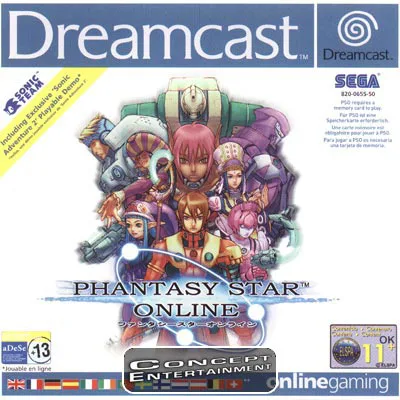
Phantasy Star Online is a landmark multiplayer action rol...
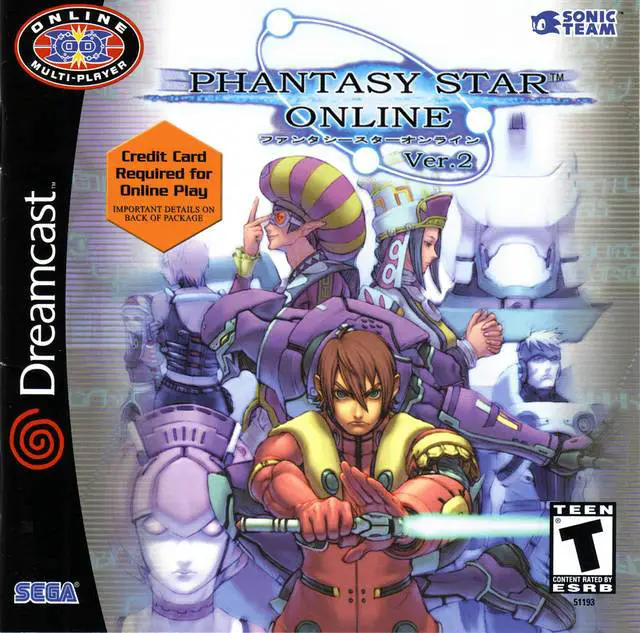
Phantasy Star Online Ver. 2 is the definitive enhanced ed...
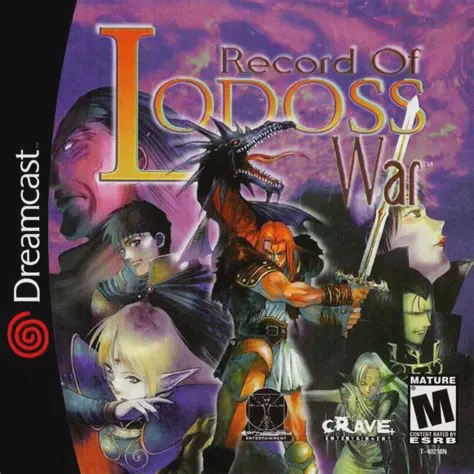
Record of Lodoss War is an isometric action role-playing ...
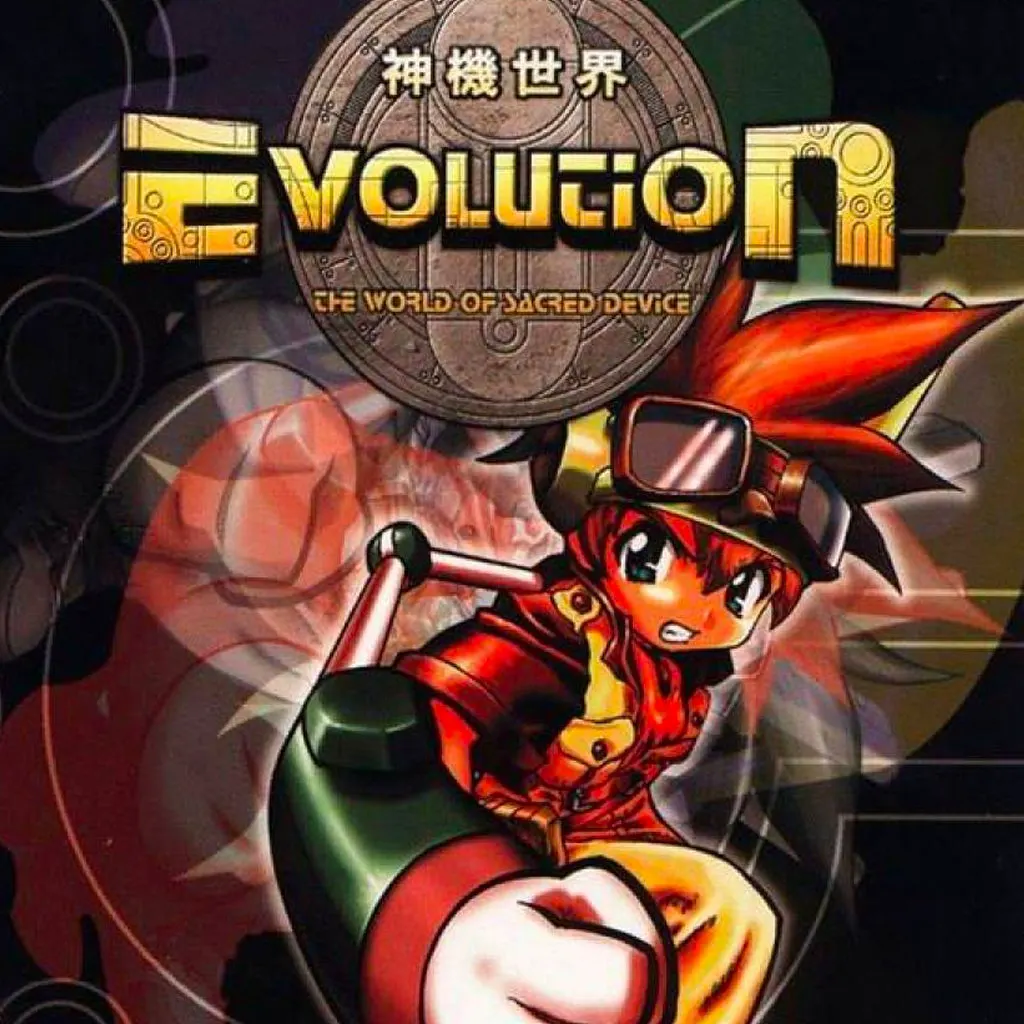
Evolution: The World of Sacred Device is a colorful dunge...